Authors often need to correct typographical errors, replace illustrations, improve formatting, or revise parts of a previously published book. On most publishing platforms, a minor correction is handled as an update to the existing title rather than as another volume in the series.
This happens because a series page and a book product page serve different purposes. A series page groups separate books in a reading order. The product page represents a particular book or format. Updating a manuscript does not automatically create another installment.
The correct publishing route depends on the scale of the changes. Minor corrections can often remain on the existing listing. A substantially rewritten book may need to be released as a new edition with a new product record or ISBN.
Why Do Revised Editions Overwrite Earlier Chapters Instead of Creating a New Series Page?
Publishing platforms generally distinguish between an updated file and a new edition. The existing listing is appropriate when the work remains fundamentally the same. A new edition is more appropriate when readers are being offered a materially different version.
Unique Identifier Maintenance Rules (ASIN/Product Code) to Preserve Product Detail Pages
Amazon assigns an ASIN to a Kindle eBook listing. Print books also use an ISBN, while Amazon may assign an ASIN to the retail listing associated with that format.
When an author submits an allowed manuscript correction through the existing KDP title, the book continues to use its existing product listing. Its description, current reviews, purchase links, and series metadata are not replaced merely because a corrected file was uploaded.
This does not mean platforms always require authors to preserve the same identifier. KDP states that significant manuscript changes should be published as a new edition. It specifically requires a new edition when manuscript changes increase or decrease the page count by more than 10 percent. Locked details such as the book title, edition number, primary author, ISBN, or trim size may also require a new edition.
Reviews cannot be guaranteed. Amazon states that reviews discussing an earlier version are generally not removed simply because the manuscript was updated. For a separately published edition, review sharing depends on whether Amazon can link the versions and whether their metadata matches.
File Replacement Mechanisms to Optimize Reading Experience and Prevent Reader Fragmentation
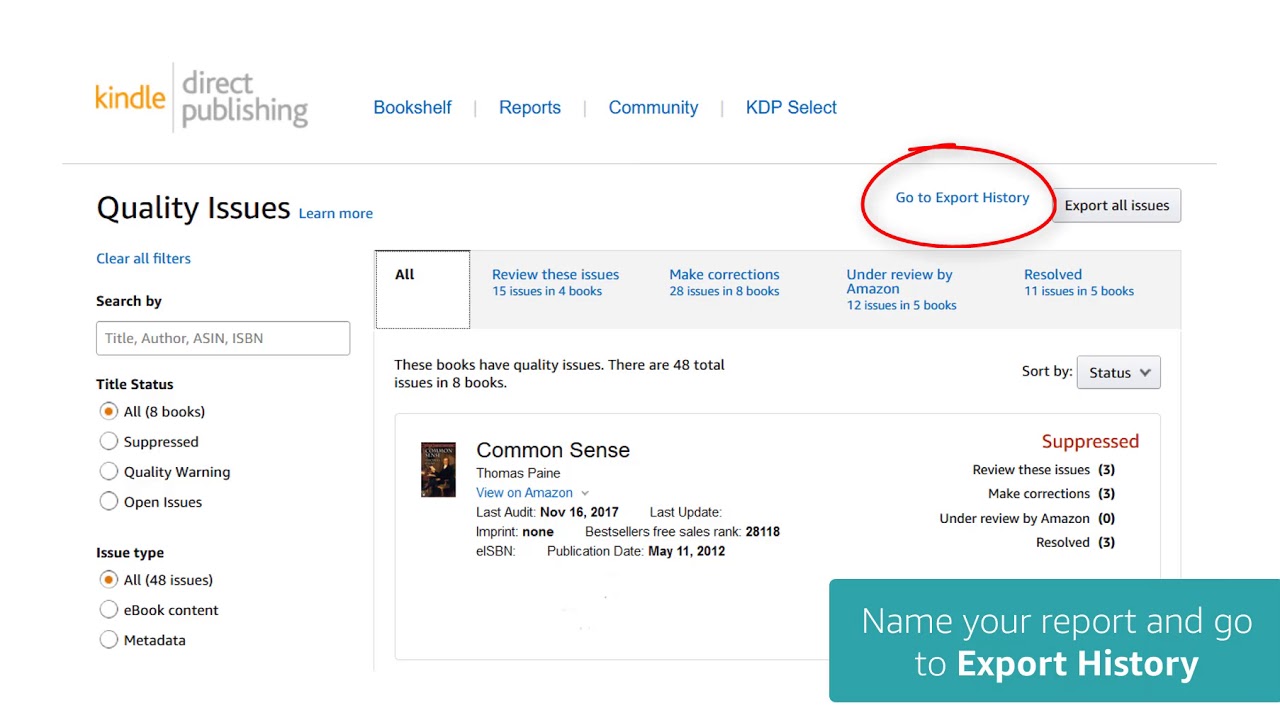
On KDP, the author edits the source manuscript, uploads the replacement file, opens the previewer, and republishes the title. This is a full manuscript submission rather than a documented chapter-only replacement command.
New customers receive the version that is live when they purchase the eBook. Customers who purchased it earlier normally retain the original version. Republishing alone does not send the new file to their Kindle library.
Amazon may enable an update for previous customers when the new file corrects serious quality problems, such as major spelling issues or chapters appearing in the wrong order. It generally does not distribute updates to existing customers when the author changes the plot, renames a character, adds unrelated content, or makes changes substantial enough to require a new edition. Updating may also affect readers’ notes and highlights.
Authors should therefore avoid promising that every previous buyer can press an Update button and receive a rewritten edition automatically.
How Systems Link Series Metadata Using Initial Identifier Information
A series page groups individual books that belong to the same series. It can display volume numbers, reading order, and related titles. It is not intended to act as a version history for one manuscript.
A minor correction to Volume 1 normally remains an update to Volume 1. It does not become Volume 1.1 or a separate series unless the author deliberately publishes it as another book.
When a substantially revised edition is published separately, the author should enter accurate series, volume, title, author, language, and edition information. Amazon uses matching metadata to link related formats and organize books correctly. Incorrect edition or volume data can cause titles to appear separately or in the wrong order.
Differences Between Updating eBooks and Paperbacks When Republishing
Digital and print books can both be updated, but the identifier and production rules are different.
eBooks – Direct Overwriting Without Changing ASIN or Creating New Pages
KDP allows authors to replace the manuscript of a live eBook to fix errors or make limited content changes. Apple Books also provides a publishing portal that can update a book that has already been submitted.
This does not make every type of revision suitable for the existing product page. Correcting spelling, formatting, broken navigation, or misplaced images is different from rewriting the plot, replacing a large portion of the book, or marketing the work as a new edition.
Some metadata is also locked after publication. On KDP, changing the title, edition number, language, or primary author generally requires publishing a new edition rather than editing the existing listing.
Paperbacks – Page Count Constraints and Mandatory ISBN Reissuance for Major Revisions
Minor print corrections, such as fixing typographical errors, do not necessarily require a new ISBN. The International ISBN Agency states that substantial textual changes require a new ISBN, while minor corrections generally do not. A cover-design or price change alone also does not normally require another ISBN.
KDP applies an additional operational rule: if a manuscript update changes the page count by more than 10 percent, the author must create a new edition. Changes to locked production details, including trim size or ISBN, also require a new edition on KDP.
The 10 percent threshold should not be presented as an international ISBN rule. Authors publishing outside KDP must consult their ISBN agency, printer, distributor, or platform.
Synchronizing New Print Editions with Legacy eBooks to Maintain Series Links
Amazon attempts to connect the eBook, paperback, and hardcover formats of the same edition when their metadata matches.
The matching fields include title, subtitle, author, contributors, series, language, edition, volume, and print interior type. Linking may take up to one week after each format becomes live. If eligible KDP formats remain separated after that period, the publisher can contact support with the eBook ASIN and print ISBN.
A newly revised print edition should not automatically be linked as though it were identical to an older eBook. The edition information must accurately describe whether the files contain the same version of the work.
Technical Version Control Mechanisms and Chapter-by-Chapter Updates
The internal architecture of publishing platforms varies. Public documentation does not support one universal chapter-level database model.
Atomic Content Structures (Modular Design) on Digital Publishing Platforms
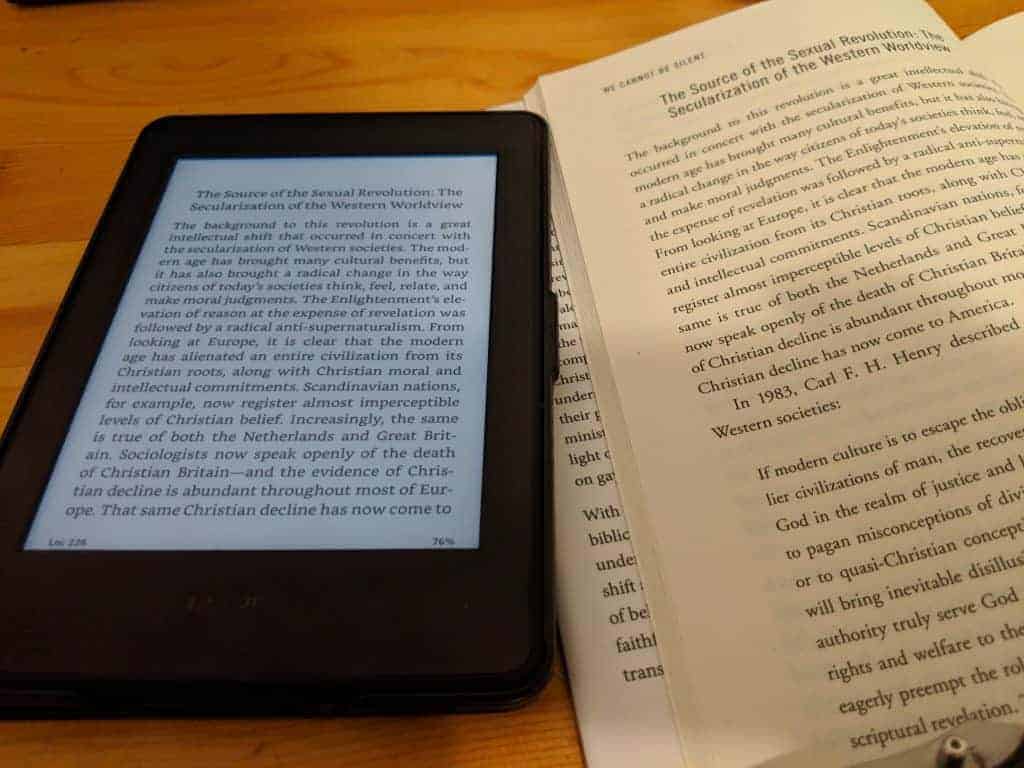
Some web-fiction and comic services allow creators to edit individual episodes or chapters through a content-management interface. Other platforms, including KDP, require the publisher to upload a complete manuscript file.
KDP’s documented workflow does not state that each chapter is stored as a separate public data object with its own segment ID. Authors should not assume that editing Chapter 3 changes only one server-side object.
The safer workflow is to maintain a complete master manuscript, make the correction in that file, export a new publication file, and test the entire book before uploading it.
Automated Notifications and Synchronization of Changes from Source to Replica Nodes
Platforms may distribute updated files through their own storage, review, and delivery infrastructure, but KDP does not document a universal delta-synchronization process that sends only changed chapters.
Previous Kindle customers are also not automatically notified whenever a manuscript changes. Amazon reviews requests to distribute corrections and limits this process mainly to quality issues. Notes and highlights may be lost or moved when readers install an updated version.
Authors should place a revision note inside the book when readers need to understand what changed. Material plot changes or added chapters may be better handled as a clearly labeled new edition.
Efficient Versioning and Archival Management via Publishing APIs
Authors should not rely on the retailer as their manuscript archive. KDP allows publishers to download certain manuscript and cover files from the Bookshelf, but its public guidance does not promise an accessible history of every prior version or an API for restoring hidden drafts.
Maintain local copies such as:
Original published manuscript
Corrected manuscript
Final EPUB or KPF file
Print-ready PDF
Cover files
A revision log recording dates and changes
Use clear filenames such as BookTitle_Edition1_2026-07-29.epub instead of repeatedly overwriting the only working file.
A Standard 4-Step Book Update Process to Reduce Review Disruption and Maintain Series Integrity
No workflow can guarantee preservation of 100 percent of reviews, rankings, notes, or links. The following process reduces avoidable errors.
Audit Content Delta and Page Count to Determine ISBN Retention
For eBooks: Separate quality corrections from substantial editorial changes. A major rewrite may need a new edition even when the file format does not require an ISBN.
For Paperbacks: Compare the old and new page counts and identify changes to the title, author, edition, ISBN, trim size, ink, or paper. On KDP, a page-count change above 10 percent requires a new edition. Under general ISBN guidance, substantial textual revision also requires a new ISBN.
Overwrite the Manuscript on the Publishing Management Dashboard
Access the title through the official publisher dashboard.
Choose the option for editing book content.
Upload the complete updated manuscript.
Run the platform previewer and inspect the table of contents, page breaks, images, links, fonts, and chapter order.
Keep a local copy of the file submitted.
Update Series Metadata and Allow System Propagation
Update editable fields such as the description, contributors, categories, keywords, territories, or price when necessary. Locked details may require a new edition. KDP estimates that manuscript updates can take up to 72 hours to appear. Read Sample updates take longer, while linking eBook and print formats can take from 48 hours to one week. These are estimates rather than guaranteed deadlines.
Audit Review Linking Between eBook and Print or Request Manual Support
After the title is live:
Verify the manuscript sample and product description.
Confirm that the correct edition and volume are displayed.
Check whether matching eBook, paperback, and hardcover formats are linked.
Review customer comments for references to errors that no longer exist.
If matching KDP formats remain unlinked after the stated processing period, contact support with their ASIN and ISBN information. Review sharing between versions is controlled by Amazon and cannot be guaranteed by the author.

Publishing platforms do not normally create a new series page for every corrected chapter because a series represents separate books, not a manuscript’s editing history. Minor quality corrections can often be uploaded to the existing title. Significant rewrites, major page-count changes, or modifications to locked metadata may require a new edition and, for print books, a new ISBN. Before submitting an update, determine whether the work remains the same edition, preserve your own source files, preview the entire manuscript, and verify the live listing after publication. This protects readers from confusing editions without relying on unsupported promises about automatic updates, hidden server versions, or guaranteed review preservation.