When a video platform closes, the disappearance of its app does not immediately reveal what happened to its catalog. Some titles move to another service, while others become unavailable because a licensing agreement ended. Creators may republish their work independently, and a buyer may acquire the platform’s brand or technology without acquiring every video it previously carried. Watchlists, viewing histories, subscriptions, and personal uploads are separate from distribution rights. Even when a catalog moves, user account data may not follow it. The most reliable approach is to identify the exact work, reconstruct the shutdown timeline, and verify current availability through official sources. A new listing should not be treated as proof of ownership until the operator, creator, studio, or distributor confirms the relationship.
Common Scenarios When a Video Platform Shuts Down
A discontinued platform can produce several different outcomes. A buyer may acquire the company and continue operating part of its catalog under another service. A platform may also license selected titles to a third-party streaming service without selling the underlying copyrights.
In other cases, distribution agreements expire when the service closes. Rights may return to creators, studios, producers, labels, or regional distributors, depending on the original contracts. Those parties can then place the content on another streaming platform, sell individual episodes, upload it to an official channel, or leave it unavailable. A platform can also shut down while its parent company retains the catalog. The videos may later appear inside another service owned by the same corporate group. This is different from a sale to a new operator.
Not every title survives a closure. Some productions remain unavailable because no company currently holds practical streaming rights, source files are inaccessible, music or performer clearances have expired, or the expected audience is too small to support another release. Viewers should therefore avoid assuming that an entire catalog has been transferred simply because one or two programs reappear elsewhere.
Quick 4-Step Guide to Check If Video Has Moved to a New Platform
Use the following process for each individual movie, episode, livestream, or creator video.
Step 1: Locate Original Titles and High-Quality Keyframes
Collect as much identifying information as possible:
Original and localized titles
Creator, director, presenter, or principal cast
Release year and country
Season and episode number
Approximate runtime
Former platform URL
Original upload or publication date
Old emails, invoices, browser history, screenshots, saved playlists, press releases, and social posts may contain this information.
When the title is uncertain, save several clear frames from footage you lawfully possess. Frames containing opening titles, end credits, episode labels, recognizable locations, channel logos, or on-screen text are usually more useful than generic shots.
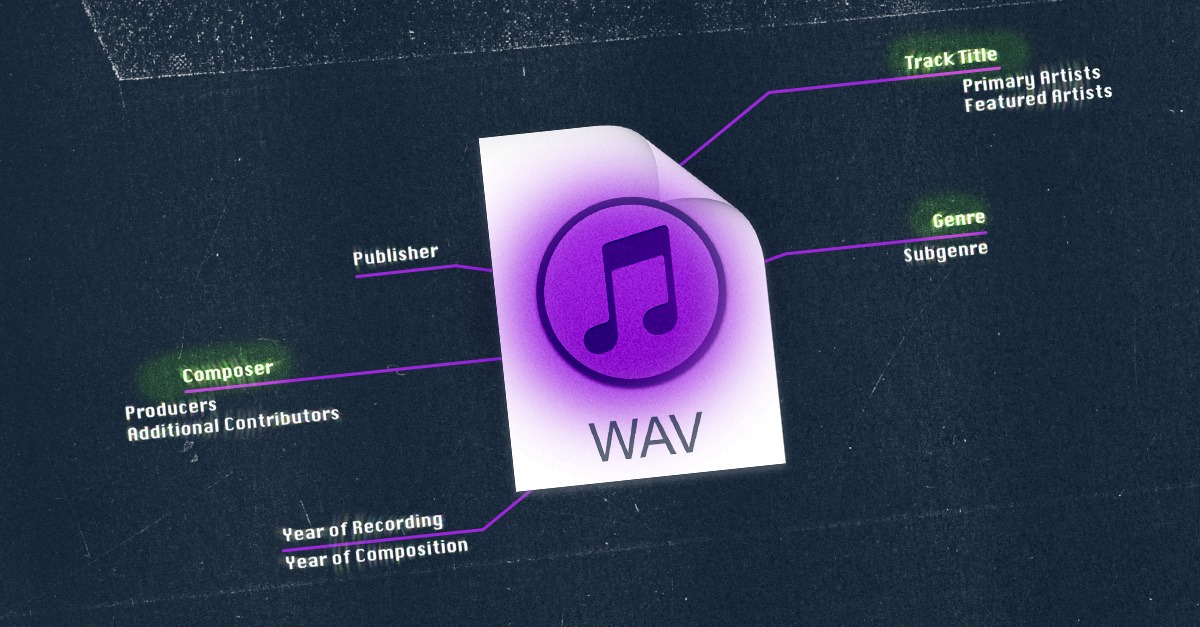
Step 2: Query Unique Metadata Identifiers (ISRC / TMDB ID / Metadata)
The identifier must match the type of content. ISRC identifies sound recordings and music video recordings. It should not be treated as a general identifier for movies, television episodes, documentaries, or ordinary creator videos.
ISAN is an ISO identifier for audiovisual works and their versions. EIDR also provides persistent identifiers for movies, television programs, series, episodes, clips, and other audiovisual objects. Availability depends on whether the work was registered in the relevant system.
IMDb and TMDb IDs can help distinguish works with similar titles. IMDb describes its title IDs as identifiers for entries such as films, series, episodes, and video games, while TMDb can match records using external database IDs. These identifiers point to metadata records; they do not establish the current copyright owner or distributor.
Search the identifier together with the title, creator, year, former platform, and terms such as “official,” “distribution,” “now streaming,” or “acquired by.” Confirm any result through a direct announcement or current official listing.
Step 3: Check the Legacy Platform Link Redirect Chain
Open the former URL carefully or inspect its current HTTP response. A 301 response indicates that the resource has been permanently redirected to the address in its Location header. A 302 normally indicates a temporary redirect. A redirect can provide a useful lead, but it is not proof that the destination company acquired the content rights. Old links may redirect to a corporate homepage, shutdown notice, support page, or unrelated successor product.
Enter the former URL into the Wayback Machine to look for archived title pages, shutdown notices, publisher names, copyright statements, and catalog descriptions. Some pages will be missing because they were never captured, were inaccessible to crawlers, required a login, or were excluded. Record the date of each archived capture. An announcement published before the closure may describe plans that later changed.
Step 4: Confirm the New Operator and Re-add to Your Watchlist
Search directly inside the suspected service and verify:
Exact title, year, episode, and runtime
Creator, studio, or distributor
Country availability
Audio language and subtitles
Subscription, rental, purchase, or free access
Publication or availability date
Then check the creator’s official website, verified social account, studio announcement, distributor catalog, or press release. A third-party upload, search-engine result, fan page, or database entry is not enough to confirm an authorized move.
The company hosting the video may not own it. It may be acting as a licensee, retailer, channel operator, or technical distributor.
Using Keyframe Tracking and Reverse Video Search
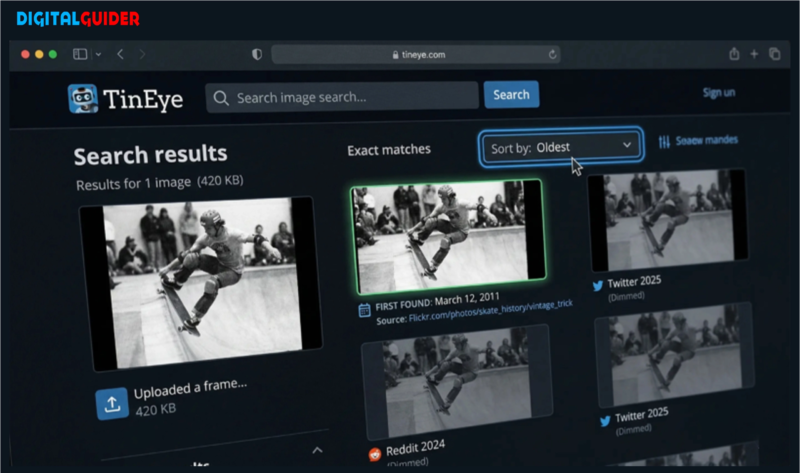
Reverse image search is useful when the title has changed, the old page has disappeared, or a clip is circulating without credits.
Extract three to five frames from different parts of the video. Avoid using several nearly identical frames. Select images containing distinctive text, costumes, set design, animation, logos, landmarks, or credit screens.
Google Lens allows users to upload an image or search directly from an image displayed in Chrome. Results can reveal visually similar pages, earlier uploads, product listings, or pages containing related images. A visual match remains a lead rather than proof that two full videos are identical.
The InVID Verification Plugin can split supported online or local videos into representative keyframes and send those frames to reverse image search engines. It was developed primarily for verifying online video, but the same process can help locate older copies or identify the original context.
Search each useful frame separately. Compare the publication date, account owner, runtime, surrounding text, and video sequence. A matching thumbnail may have been reused for an unrelated upload.
Maintain a tracking log such as:
Original Video / TitleOld Platform URLMetadata IDNew Platform FoundAuthorization EvidenceUpdated DateSeries A – Episode 1Former title-page URLIMDb, ISAN, EIDR, or N/ASuspected serviceOfficial creator or distributor announcementDate checkedDocumentary BFormer title-page URLDatabase ID or N/AOfficial channelLink from rights holder’s websiteDate checkedShort Video CFormer upload URLN/AThird-party accountNo authorization locatedDate checkedDo not label a re-upload as infringement solely because it appears on another account. The uploader may have a license, permission, or ownership interest that is not publicly visible.
What to Do When Your Video Is Illegally Moved to a New Operator?
This section applies to creators, copyright owners, and authorized representatives. Viewers who do not own the rights should use the platform’s ordinary reporting tools rather than submitting a legal copyright notice in their own name.
First, preserve evidence. Save the infringing URL, account name, upload date, screenshots, video title, and any available engagement or monetization information. Keep the original master file, project files, publication records, contracts, and prior upload dates.
Attribution is not a substitute for permission. Asking an unauthorized uploader to add a credit may be appropriate when the dispute concerns missing attribution, but it does not resolve unauthorized copying when a license was required.
For a U.S.-based service using the DMCA process, a takedown notice should be sent to the service provider’s designated agent. The notice generally needs to identify the protected work, locate the allegedly infringing material, provide the claimant’s contact information, include required good-faith and accuracy statements, and contain a physical or electronic signature. Copyright registration is not required merely to send a notice, although registration can matter for litigation and remedies.
The DMCA is U.S. law. For services and claimants in other jurisdictions, follow the platform’s published copyright procedure and obtain legal advice when ownership, licensing territory, fair use, quotation, or contractual rights are disputed.
Do not assume that a platform will transfer an uploader’s channel, audience, or revenue to the claimant. Account transfers and revenue-sharing arrangements depend on platform policy and voluntary agreements. Any licensing negotiation should define the authorized territory, term, platforms, edits, attribution, payment, reporting, and termination rights.
A discontinued video platform can lead to a catalog acquisition, a new licensing arrangement, independent republication, or permanent unavailability. The closure alone does not reveal which outcome applies to a particular title. Identify the exact work first. Use titles, dates, credits, database identifiers, archived pages, redirects, and distinctive keyframes to locate possible matches. Then verify the new listing through an official creator, studio, distributor, or platform source. For personal uploads, preserve local copies and export account data before announced shutdown deadlines. For copyrighted work found on another service, document the evidence and use the appropriate platform or legal process rather than assuming that every re-upload is authorized or automatically infringing.